
Text alternatives
Meaningful alt text for images that carry information; decorative images marked as such. Menus and prices as text, not images.
Website accessibility lawsuits are filed against US businesses by the thousands every year, and most targets are small and mid-size companies. Here is what the law actually says, what the technical standard requires, and what to do — written by developers, not lawyers, so check the legal side with your counsel.
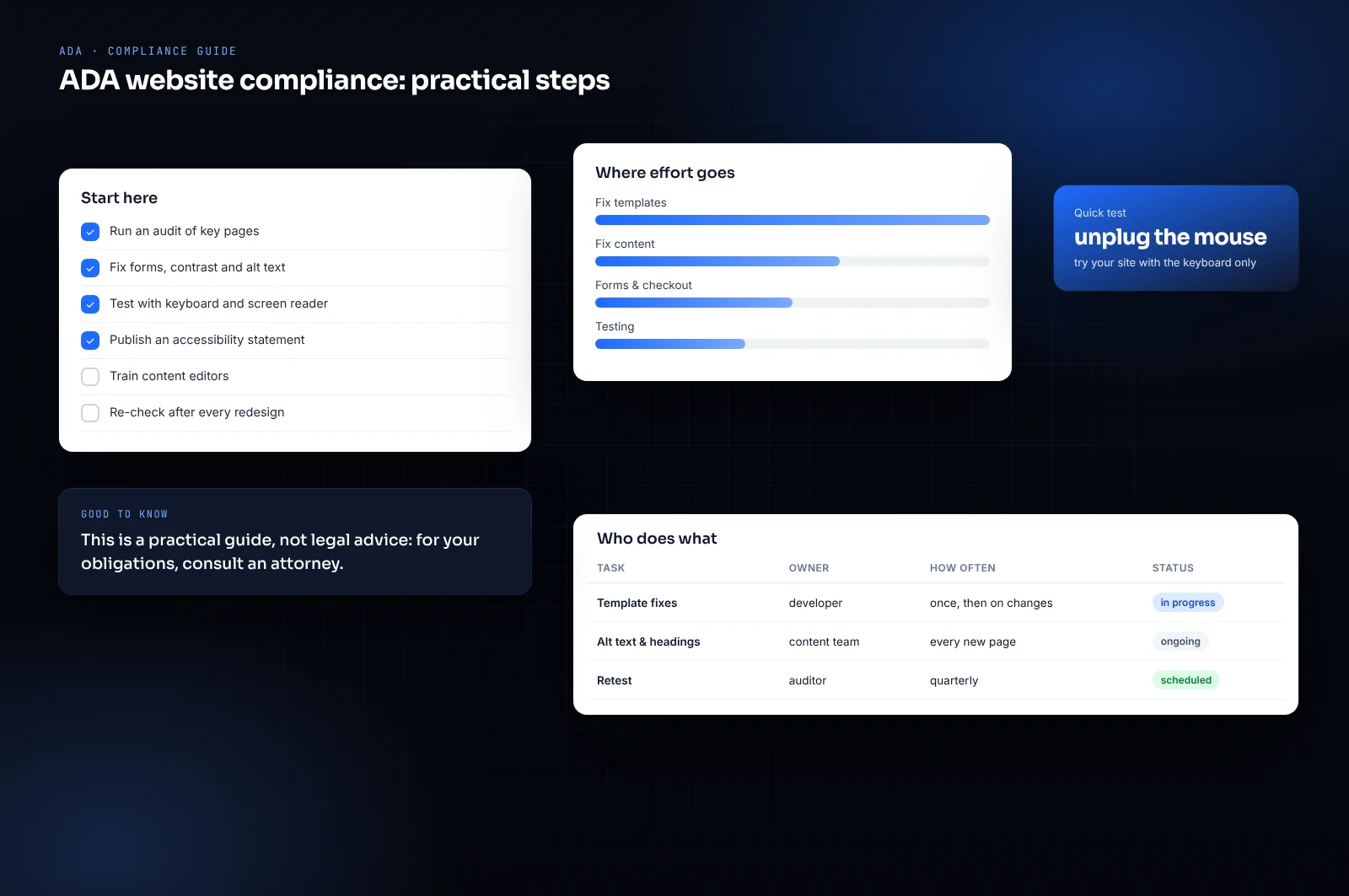
Title III of the Americans with Disabilities Act requires businesses open to the public to be accessible to people with disabilities. The Department of Justice has stated that this applies to websites, while not writing a specific technical rule for private businesses.
In practice, courts and settlements refer to the Web Content Accessibility Guidelines (WCAG) 2.1, level AA. For state and local governments, the Department of Justice adopted WCAG 2.1 AA as the formal standard under Title II in 2024.
Claims are concentrated in a few places — New York and Florida federal courts, and California, where the Unruh Act adds statutory damages — and target retail, restaurants, hospitality, healthcare and professional services above all. Many start with a demand letter rather than a lawsuit.
Meaningful alt text for images that carry information; decorative images marked as such. Menus and prices as text, not images.
Everything usable without a mouse, with a visible focus indicator and a logical order.
Text contrast of at least 4.5:1 against its background (3:1 for large text).
Every field labeled, errors explained in text, no information conveyed by color alone.
Real headings, landmarks and link text that makes sense out of context, so screen readers can navigate.
Captions on videos, no auto-playing audio, and a way to pause animations.
Widgets that promise one-line ADA compliance are widely criticized by accessibility experts and disability advocates, and sites using them have been sued anyway. In 2025 the Federal Trade Commission took action against one overlay vendor over its compliance claims.
Accessibility is a property of the code: headings, labels, contrast, keyboard behavior. A script layered on top cannot reliably fix markup underneath.
The durable fix is to build or remediate the site to WCAG 2.1 AA and test it with keyboard and screen readers. Every site we build is made that way.
If you serve the public, courts have generally applied the ADA to websites, and small businesses are frequent targets. Your counsel can confirm how it applies to you.
WCAG 2.1 level AA is the standard referenced in most settlements and in the DOJ's 2024 rule for public entities.
No. They do not reliably fix the underlying code, and sites using them have still been sued.
Yes. We audit it against WCAG 2.1 AA, fix the templates first, and test with keyboard and screen readers. Sometimes rebuilding is cheaper; we will tell you which.
Thirty minutes on a call: we look at what you need and give you a fixed price in writing, with no obligation.
Book a free call